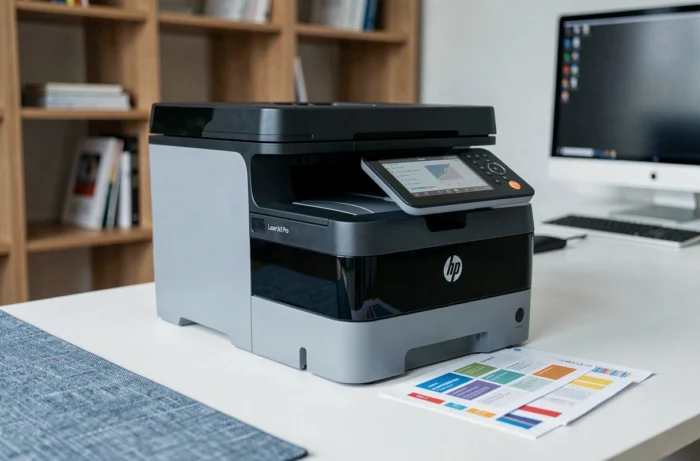
The HP LaserJet Pro MFP M280nw occupies a particular segment: that of compact color laser multifunction printers, positioned between consumer hardware and professional fleets. To evaluate this model, the central question revolves around the balance between actual operating costs, output quality, and software constraints related to the HP ecosystem. These are the three axes that this article measures.
HP Firmware and Compatible Cartridges: A Lock That Affects Cost Per Page
Most tests of the M280nw focus on print speed or the ergonomics of the touchscreen. However, a rarely detailed parameter conditions the actual budget: the policy of blocking non-OEM toners through firmware updates.
HP regularly deploys silent updates on its LaserJet Pro printers. Some reactivate a dynamic security mechanism preventing the use of third-party compatible cartridges. In practice, a printer that worked with refurbished toners may stop recognizing them overnight, without clear warning for the user.
The workaround recommended by the technical community is to disable automatic firmware updates from the very first installation. This action, accessible from the printer’s network control panel, preserves the freedom of choice regarding consumables. If you consult a complete test of the HP LaserJet Pro MFP M280nw, this point deserves to be checked as a priority, as it determines the cost per page difference between original HP toners and compatible alternatives.
HP M280nw and OS Compatibility: Table of Constraints by System
The product sheets mention compatibility with Windows and macOS without detailing the actual frictions. The M280nw belongs to a generation of machines, some of which are Samsung platforms rebranded under the HP name, which has direct consequences on the drivers.
| System | Connection Mode | Main Constraint |
|---|---|---|
| Windows 10/11 | USB, Wi-Fi, Ethernet | Driver often absent from Windows Update, manual download from hp.com required |
| macOS (Monterey and later) | AirPrint, USB | Printing via AirPrint/CUPS, advanced features (network scanning) sometimes unstable without updated firmware |
| Linux | Ethernet, USB | Unified Samsung/HP drivers, frequent manual IP configuration if DHCP fails |
| ChromeOS | Wi-Fi | Support via HP Smart App, limited scanning features |
On Windows 11, automatic detection regularly fails. You need to retrieve the full driver from the HP website, then manually configure the IP address if the Ethernet connection does not establish via DHCP.
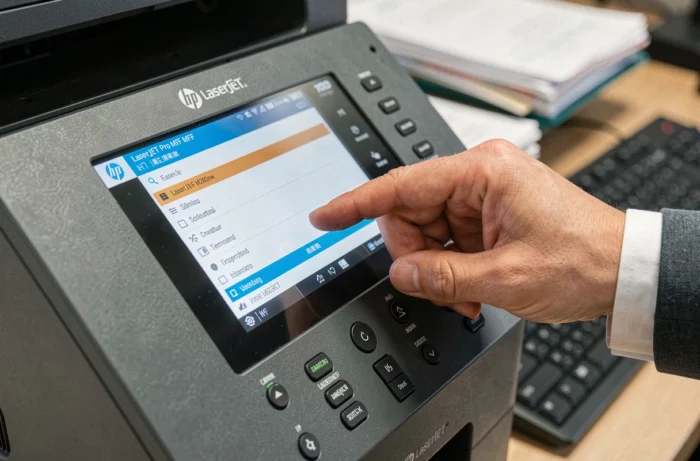
On macOS, AirPrint handles basic printing without driver installation. However, network scanning and fine settings (density, economy mode) require the HP Smart software, whose stability depends on the version of the installed firmware, creating a dilemma with the recommendation to freeze updates to protect the use of compatible toners.
Color Laser Print Quality: What the M280nw Actually Produces
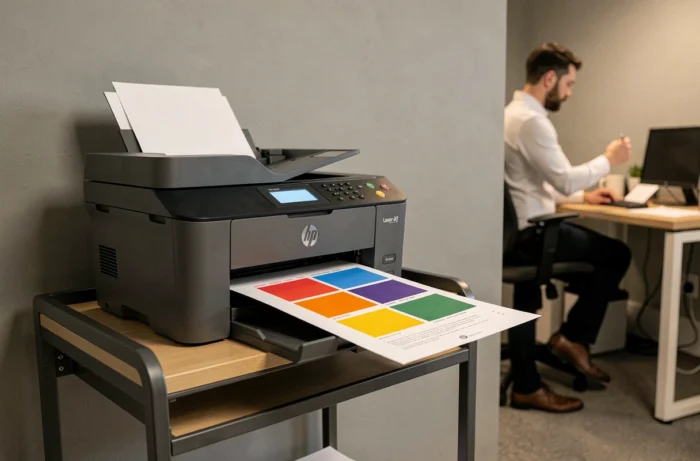
The output quality of the M280nw is in the upper average of its category. Office documents (black text on white background, tables, graphs) are sharp and well-contrasted. Color solids remain even on standard paper.
Two limitations appear in use:
- Photographic gradients show a slight banding effect on smooth transitions, typical of entry-level color lasers. For regular photo printing, an inkjet remains more suitable.
- The operating noise level is noticeable in a shared office. This is the most frequently mentioned weak point by users.
Using paper designed for laser printers (and not inkjet) significantly improves sharpness and reduces the risk of jams. HP recommends avoiding glossy photo paper intended for inkjet printers, which can melt when in contact with the fuser.
M280nw Wi-Fi and Network Connectivity: Actual Setup
The M280nw includes Wi-Fi, Ethernet, and USB. The color touchscreen simplifies the initial network setup: connecting to the Wi-Fi network is done directly from the panel, without going through a computer.
In Wi-Fi mode, the connection remains stable within a reasonable range of the router. Printing from a smartphone is done via HP Smart App or AirPrint (iOS) and Mopria (Android). Scanning to a network folder or email works, but the initial setup requires manually entering the SMTP settings, which may deter a non-technical user.
Ethernet provides a more reliable connection for a fixed workstation or a small office network. This is the preferred mode if the printer needs to be shared among multiple workstations, as it avoids intermittent Wi-Fi disconnections that some users report after prolonged sleep.
Connectivity Summary
- Wi-Fi 802.11b/g/n: wireless printing and scanning, compatible with HP Smart App
- Ethernet 10/100: stable wired connection, recommended in multi-workstation environments
- USB 2.0: direct connection, useful for troubleshooting or isolated workstation
- AirPrint, Google Cloud Print (discontinued by Google), Mopria: mobile printing
The parameter that best defines the profile of this printer is neither its speed nor its resolution. It is the compromise between consumable costs and HP’s firmware policy.
A M280nw operated with compatible toners and a frozen firmware offers a competitive cost per page. The same machine with automatic updates enabled and original HP cartridges becomes significantly more expensive over time. The user’s choice on this single parameter determines the actual profitability of the model.